HRM — People Management
Once someone's hired, FluxHR keeps managing them. The HR module covers your whole team: a searchable directory and org chart, departments, onboarding checklists, time off, time tracking, and a shared calendar.
Overview
The HR module answers "who works here, in what team, and what's happening with them?" Access is role-based: HR Admins manage everything; Employees get read-only access plus their own time off and time tracking. See Roles & Permissions for who sees what.
Employee Directory
The Employee Directory is your people hub. It shows headline stats (total employees, departments, active), a searchable list, and a visual org chart (CEO → department lead → direct reports). Switch between Org Chart and List views, and use Manage mode to edit.
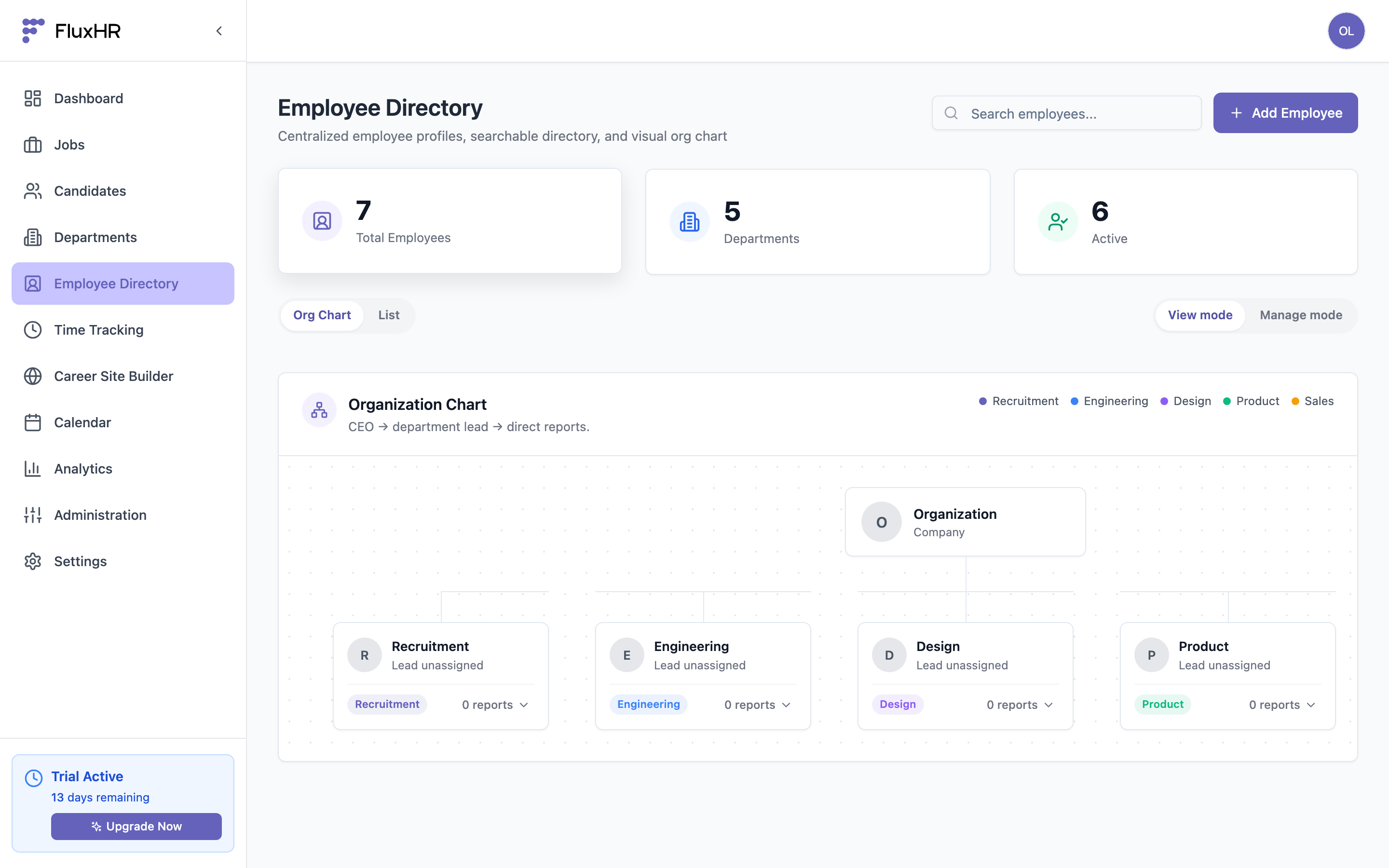
Click "Add Employee" to create a profile: name, job title, department, employment type, start date, and location.
Departments & Org Structure
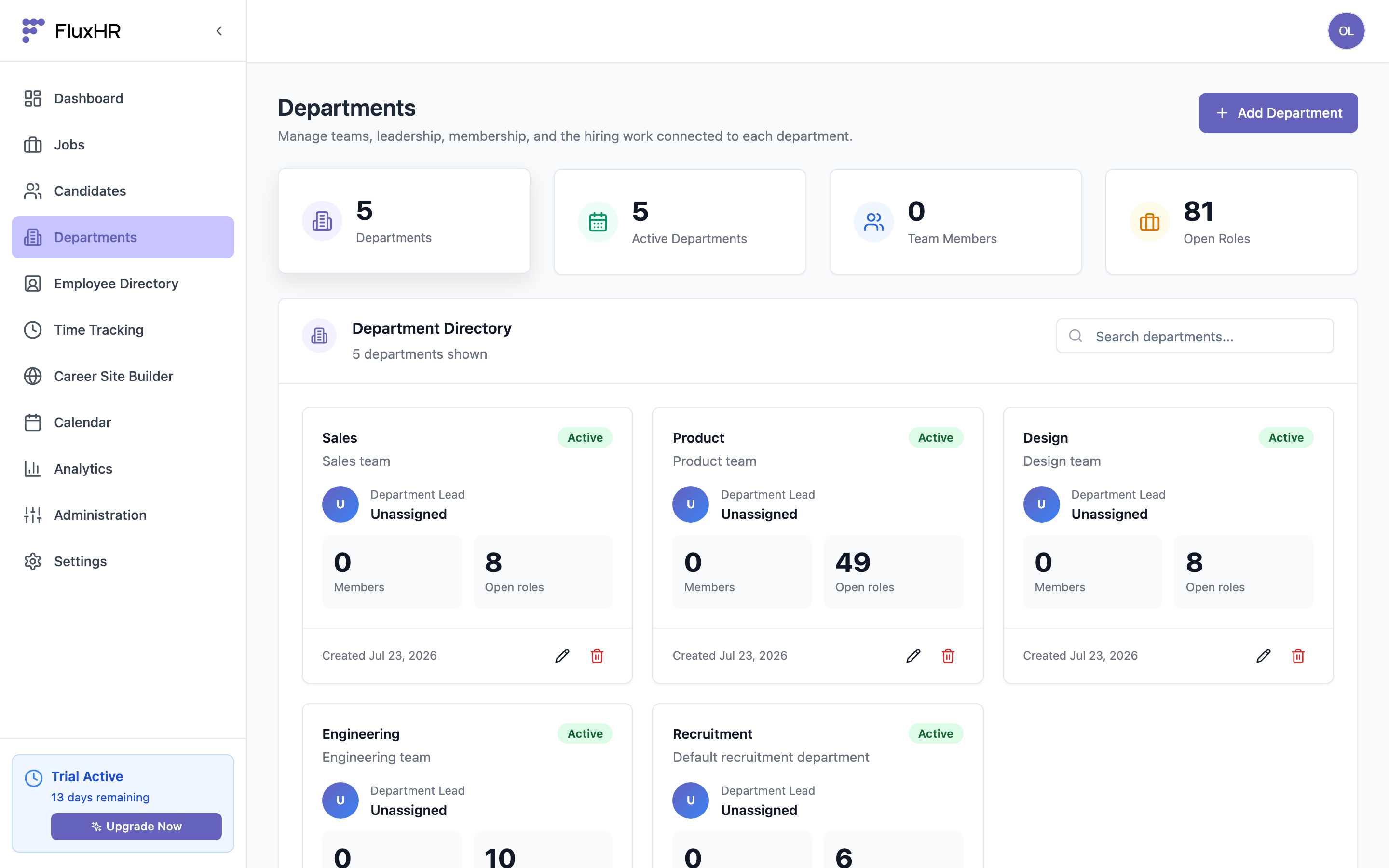
Departments organize your company. Create a department, assign a lead, and add members — the org chart updates to match. Departments also power filtering across HRM and drive analytics groupings.
Onboarding
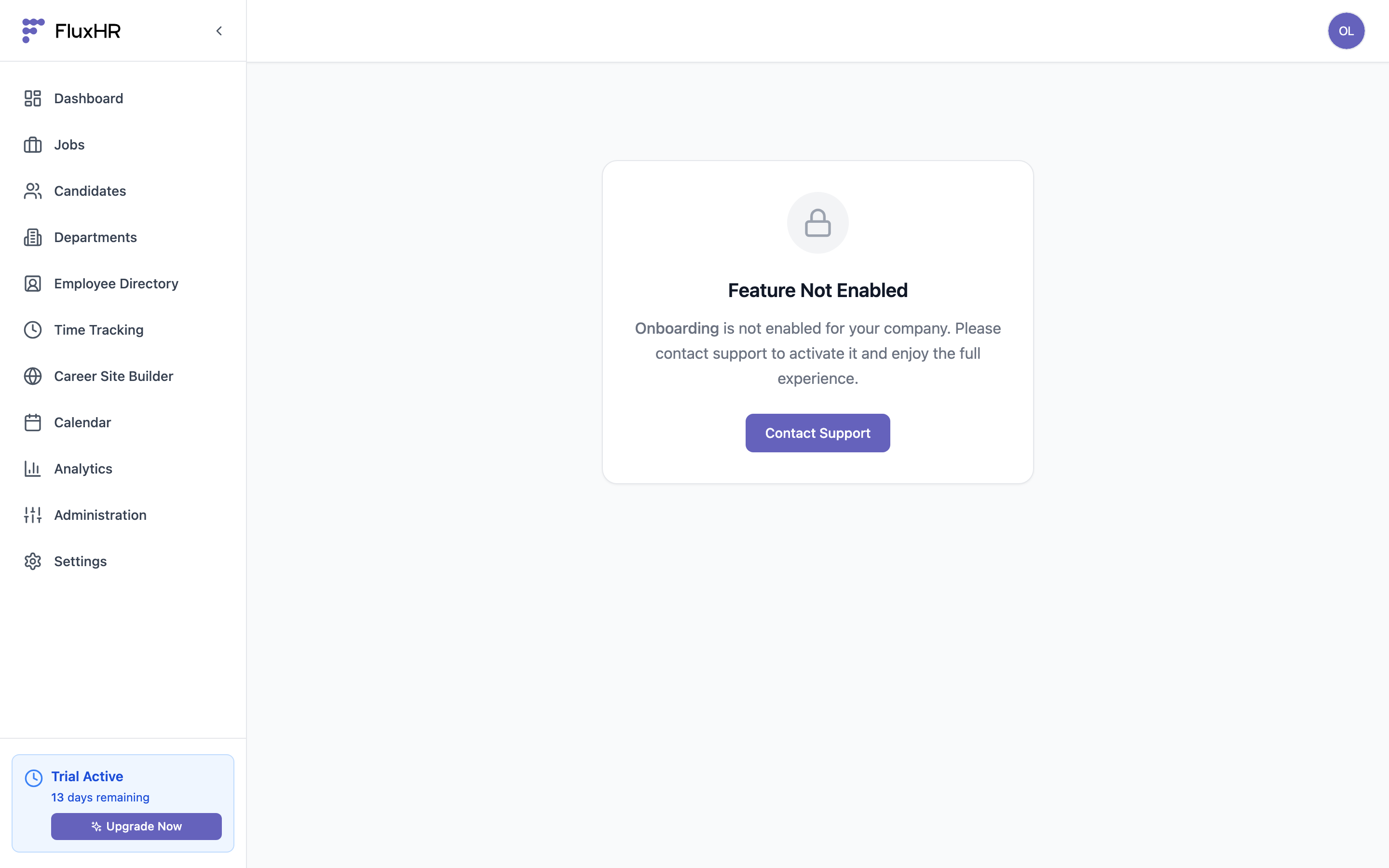
Onboarding gives every new hire a checklist so nothing gets missed — paperwork, equipment, intro meetings. Build reusable templates of tasks, then start an onboarding session for a new employee and track completion.
Leave Management
Leave Management handles time off. Define leave types (vacation, sick, etc.), then employees request time off and managers approve or decline. Balances and upcoming absences are visible so you can plan around them.
Time Tracking
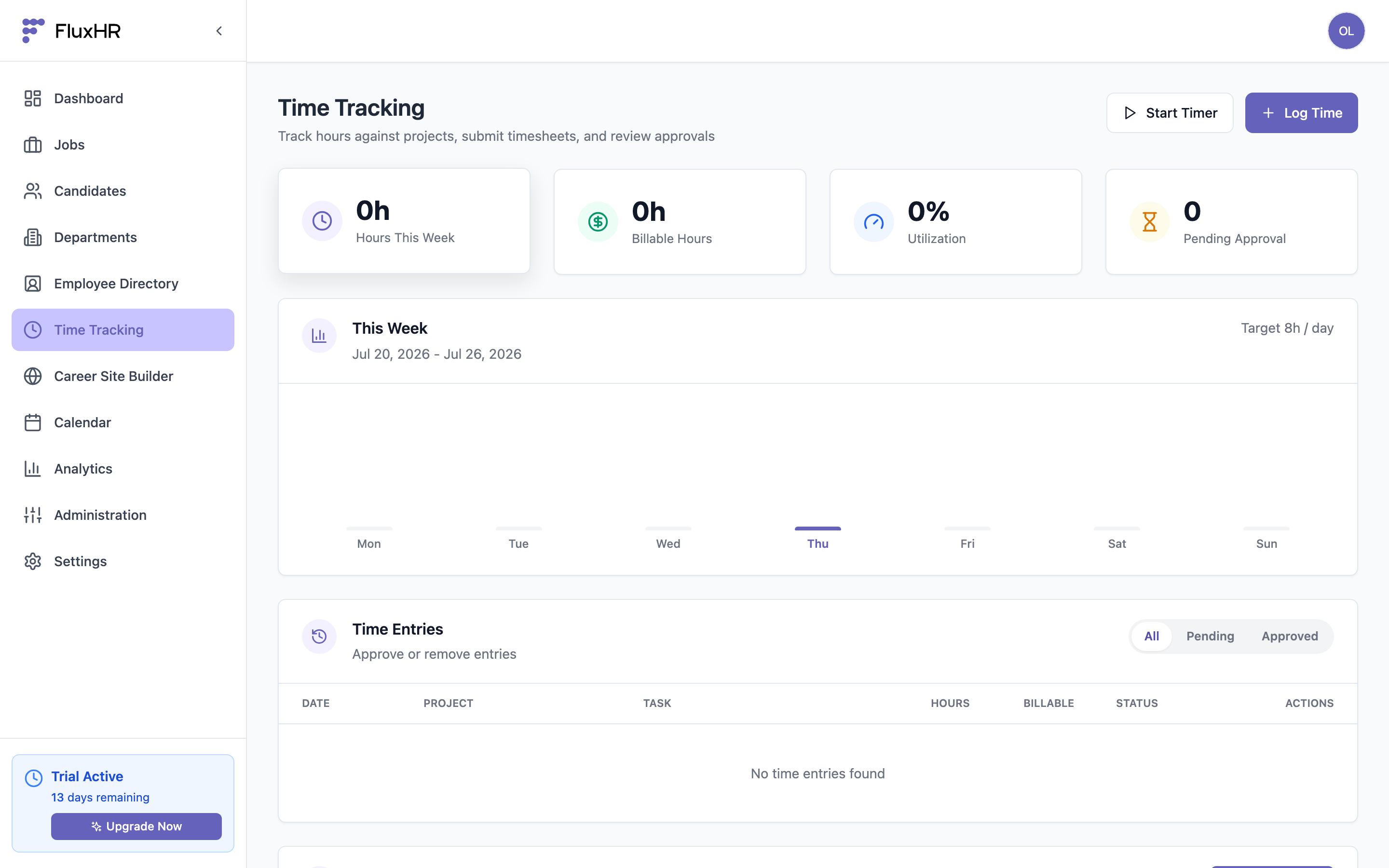
Time Tracking logs working hours. Employees clock in/out or add manual entries, optionally against a project, and a focus timer helps track deep-work sessions. Summaries roll up by person and project.
Calendar
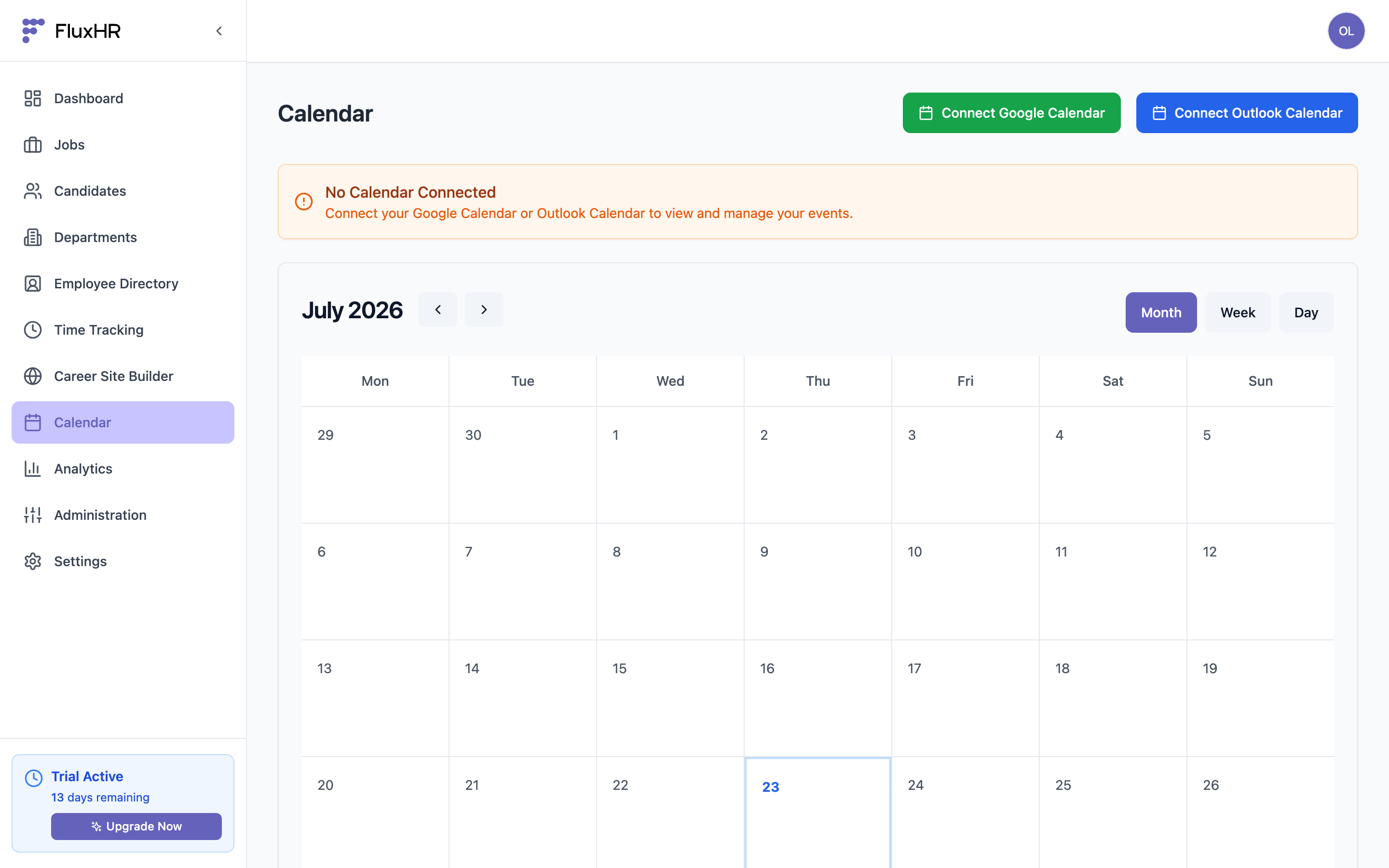
The Calendar brings scheduling together — interviews booked in the ATS, approved time off, and team events all in one view, so you can see who's available at a glance.